
Connect Your Wallet
FoxLeague runs on the MultiversX mainnet. You need a MultiversX wallet on mainnet to play. The one-time registration is paid in FOXSY and FoxLeague covers the network fee for it; everything else on chain is paid from your own EGLD, a fraction of a cent per action.
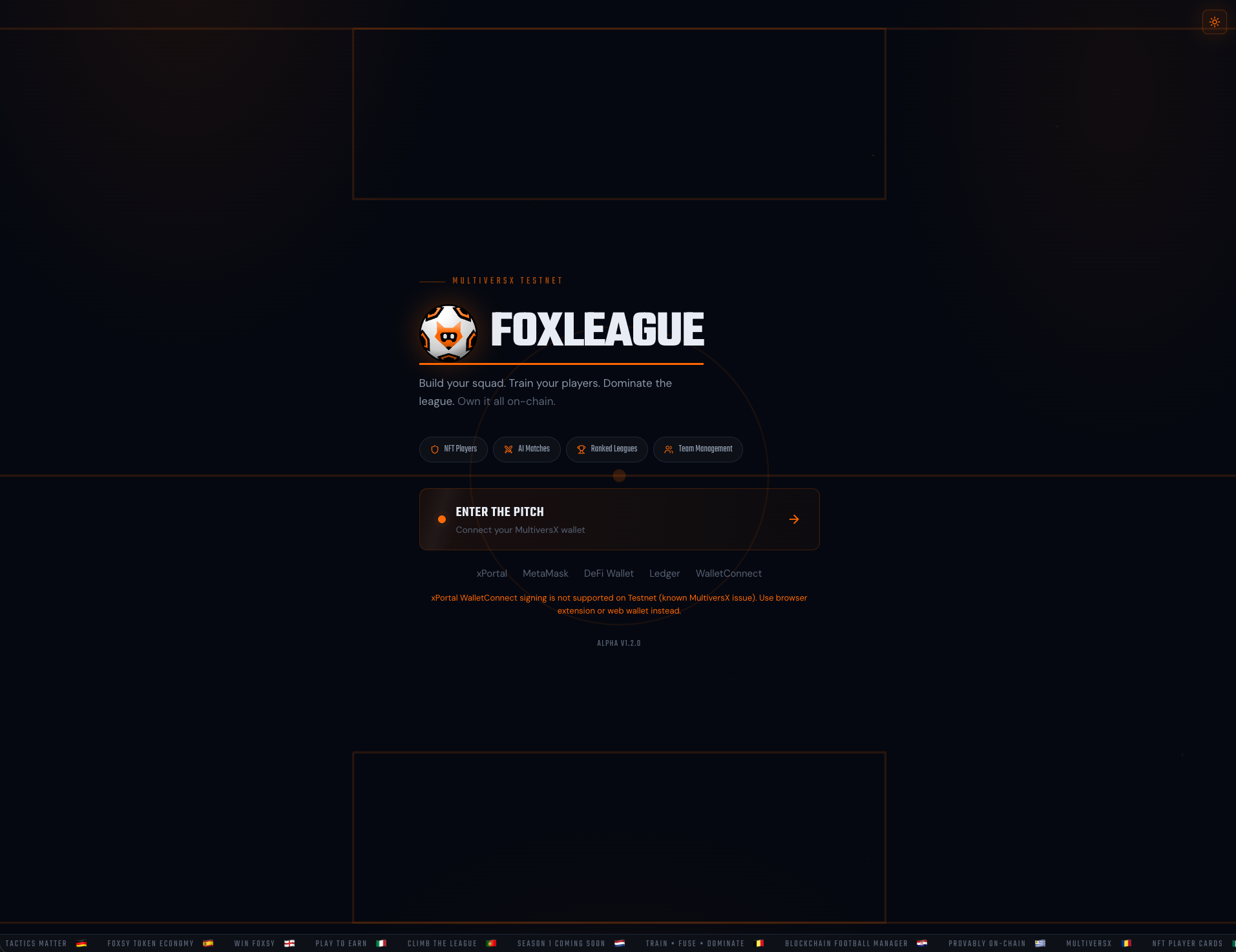
Supported wallets
Section titled “Supported wallets”| Wallet | Best for | Note |
|---|---|---|
| xPortal | Mobile users | The official MultiversX mobile wallet. Scan the QR code with xPortal. You can also open the FoxLeague login from inside the xPortal app browser. |
| MetaMask | Crossover EVM users | Connect via the MultiversX snap. Familiar if you come from Ethereum. |
| MultiversX DeFi Wallet | Browser extension | Chrome/Firefox extension, fast for repeated sessions. |
| Ledger | Hardware security | Physical device, slower but most secure. |
| WalletConnect | Other wallet apps | Pair any WalletConnect-compatible wallet by QR code. |
-
Go to foxleague.ai
-
Click ENTER THE PITCH
-
The wallet picker opens. Pick your provider:
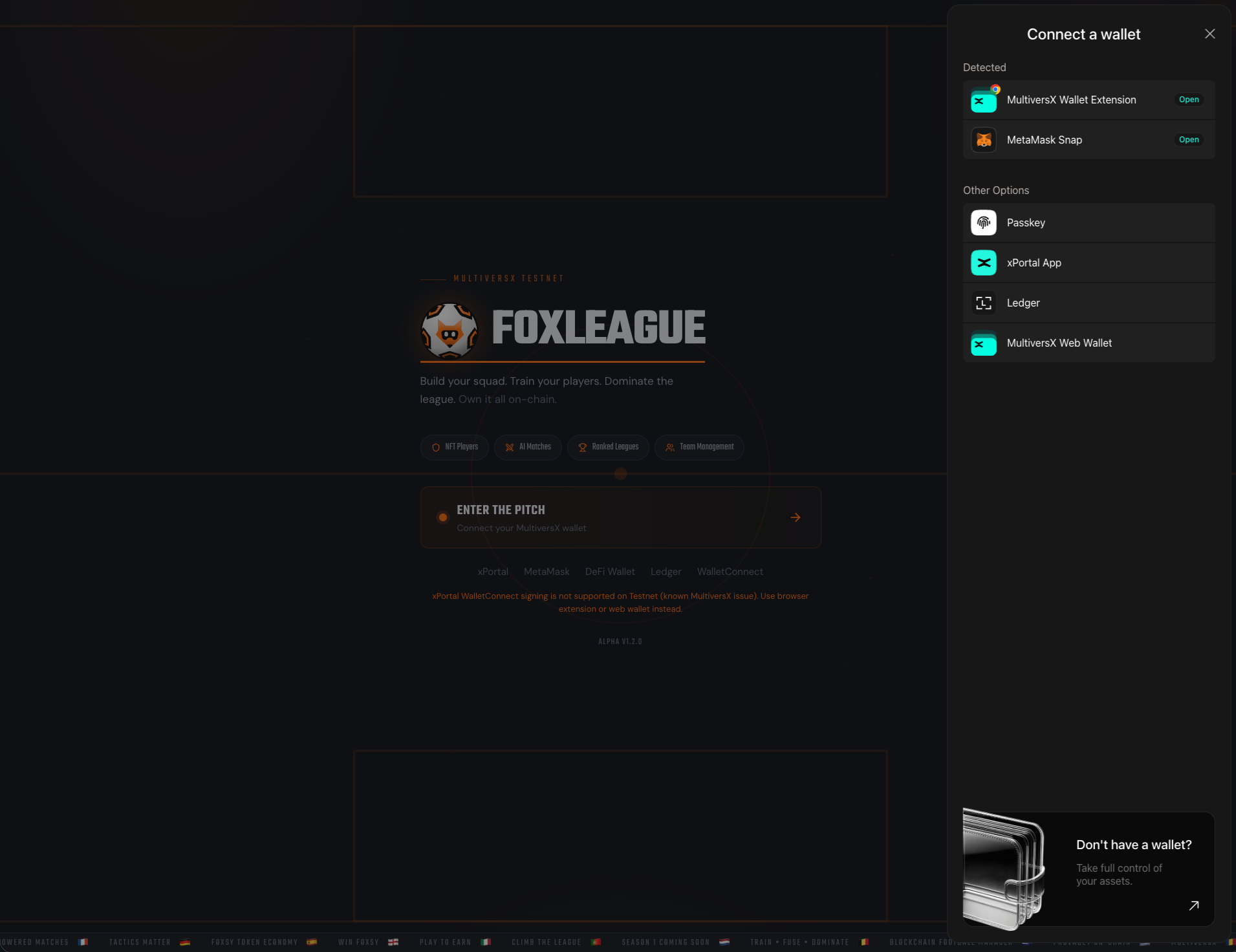
-
Approve the connection request in your wallet
-
Sign the verification message. This proves you control the wallet but costs nothing
You’re in. The header shows your wallet address (truncated) and your in-game state.
A signed-in session lasts 24 hours. After that, your next action pops the wallet up to sign the verification message again (one popup, still free) and you carry on where you were.
Get FOXSY
Section titled “Get FOXSY”FOXSY is the in-game token. You need it to register, train, sync, trade and more. On mainnet you buy it:
- Card or bank: the Get $FOXSY button on the Dashboard opens Tradesilvania, a regulated on-ramp partner that delivers FOXSY to your wallet on MultiversX mainnet
- Exchange: buy FOXSY on xExchange or on any exchange that lists it. Send it to the wallet you connected
The full walk-through, including the registration fee and the EGLD bonus for new managers, is on Get Started.
Trouble connecting?
Section titled “Trouble connecting?”- xPortal QR scan does nothing / freezes. Open the xPortal mobile app, tap the in-app browser, navigate to
foxleague.aiand log in from there. The xPortal native session works without a QR pairing. - WalletConnect signing fails. Retry the pairing. If it keeps failing, use the DeFi Wallet extension, MetaMask, Ledger or xPortal-in-app instead.
- “Sign message” loops. Clear your browser’s site data for
foxleague.aiand reconnect. - Wrong network. Make sure your wallet is set to mainnet, not testnet or devnet.